Turn a PDF into handwritten notes
Import a text-based PDF, then make it yours with handwriting fonts, paper styles, and your own lettering.
Start with your PDF
Drop your PDF here
or choose a file from your device
One PDF, up to 20 MB and 100 source pages.
No file handy? Try a short English document.
PDF text extraction happens in your browser.
Your existing text-to-handwriting draft stays untouched.
Text is reflowed onto new paper. Original layouts, images, tables, and equations are not preserved. Scanned PDFs need OCR and are not supported here.
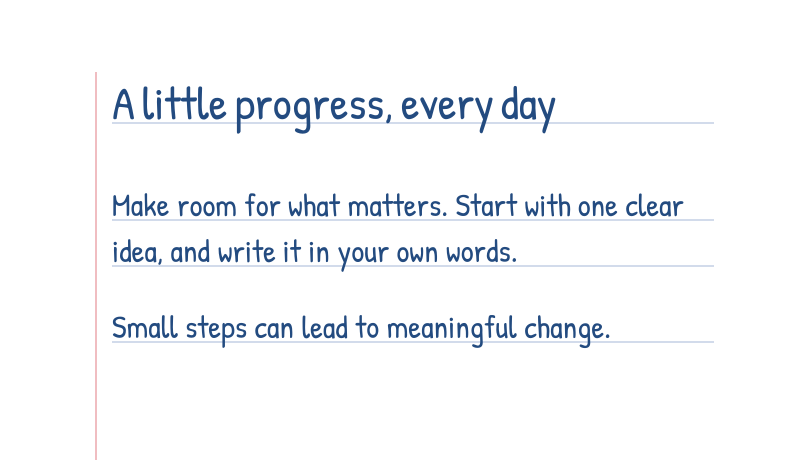
Your PDF, in a different hand.
Choose your font and paper in the workbench.
From document to handwritten pages
Import your PDF
We extract its text layer and keep page breaks. Check the import notes before continuing.
Make it your handwriting
Edit the text, choose a built-in font or one you created, then adjust paper, spacing, and ink.
Preview and download
Review every page in the existing workbench. Download formats and page allowances depend on your plan.
Before you import
Will the original PDF layout be preserved?
No. This tool extracts the text and reflows it onto handwriting paper. Columns, tables, equations, and images are not reconstructed.
Can I convert a scanned PDF?
Not directly. The PDF needs a selectable text layer. Run OCR on scanned documents first, or paste the text into the handwriting workbench.
Can I use my own handwriting?
Yes. The workbench can use your HandFonty font projects. Available fonts and font upload options depend on your account. Make sure your font includes the characters in your document; built-in fonts primarily cover Latin text.
Is PDF download free?
You can import and preview without signing in. Downloads require an account and follow the existing handwriting plans: Free and Starter offer JPG; Pro and Premium also offer PNG and PDF.
Where is my document stored?
PDF text extraction runs in your browser. Imported drafts are saved in this tab’s session and do not replace your regular workbench draft. Closing the tab clears this draft. Cloud saving, AI assistance, and exports use the existing workbench services when you choose those actions.
Will my existing draft be replaced?
No. Each PDF opens as a separate document in this tab. Your previous text-to-handwriting draft remains available through the regular workbench link.